Without Any Technical Knowledge
CRM System Setup: Fast and Professional Express Launch of Your Sales
Your business to a new level: effective customer management.
Get Full System Access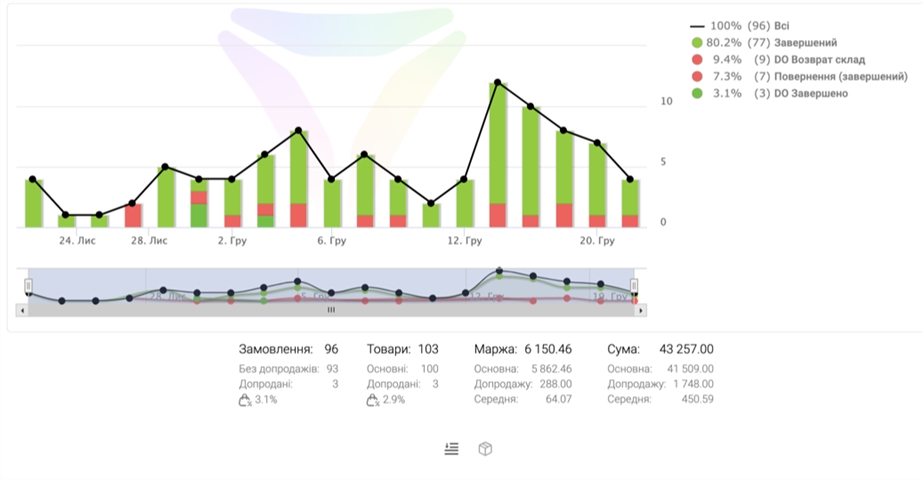
10K+
Without Any Technical Knowledge
99%
Express Launch of Your Sales
24/7
Get Trial Access Immediately
5★
Best Real Cases
Why Our System Really Works
4 Strong Reasons to Choose Us
Why Our System Really Works
Sales growth
Efficient customer relationship management to increase profits.
Workflow optimization
Structure information and simplify daily tasks for the team.
Easy management
Intuitive interface for easy data access.
Detailed analytics
Gain valuable insights for informed decision-making.
Main Opportunities for Growth
Main Opportunities for Growth
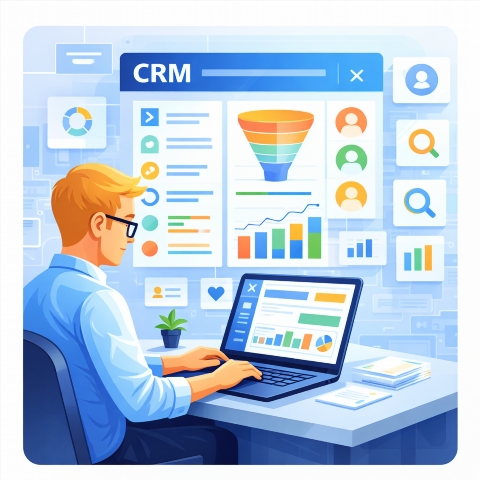
Linking notes to a client or order
Automatic SMS broadcasts on status changes or for specific events
UTM tags for advertising source analytics
Inventory management (receipts, write-offs, balances)
Integration with courier services (Nova Poshta, Ukrposhta, Justin)
Who This CRM is Designed For
Who This CRM is Designed For
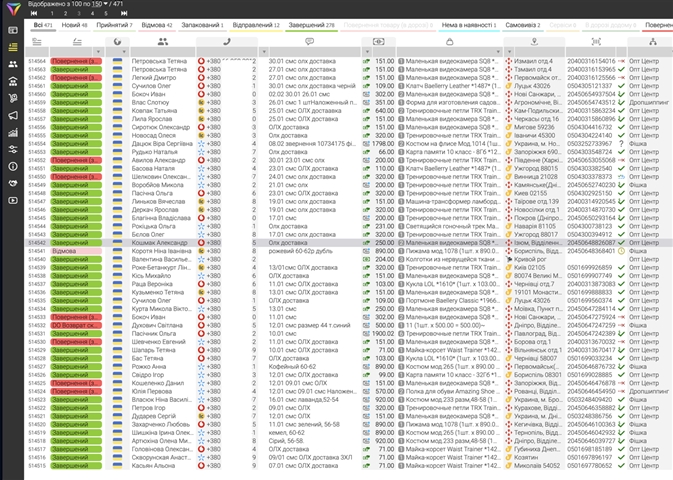
For business owners
Increase your sales, track leads, schedule meetings, and manage deals effectively. Focus on what truly matters.
For sales managers
Increase your sales, track leads, schedule meetings, and manage deals effectively. Focus on what truly matters.
For marketing departments
Create targeted campaigns, analyze advertising effectiveness, and improve communication with your audience. Know your customers better.
For service teams
Provide seamless customer support, promptly resolve their inquiries, and improve the overall interaction experience. Build long-term relationships.
For company executives
Get a complete picture of your operations, make informed decisions based on analytics, and scale your business effectively.
Try for Free and See for Yourself
Try for Free and See for Yourself →How the System Works - Detailed Video
How the System Works - Detailed Video
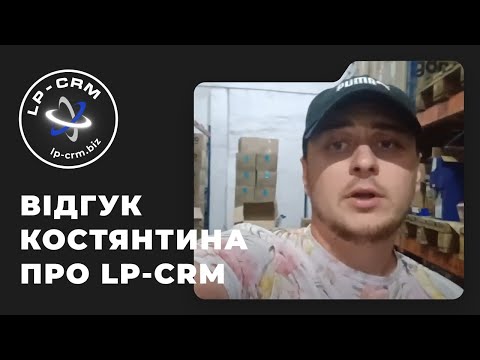
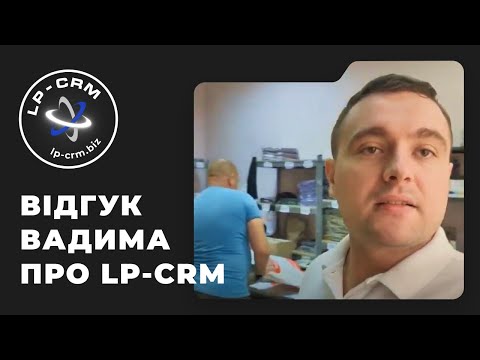
Best Real Cases
Best Real Cases
FAQ
Questions About the CRM System
How do I get started with LP-CRM?
After registration, you will get access to the control panel, where you can add users and configure modules.
How do I add clients to LP-CRM?
Go to the Clients section and click Add, fill in the required fields.
Can LP-CRM be integrated with other services?
Yes, LP-CRM supports integration with popular email services and telephony.
How do I create deals in LP-CRM?
In the menu, select Deals and click Create, specify the deal details and link a client.
How do I import data into LP-CRM?
Use the import function from CSV or Excel files for quick information loading.
What types of reports are available in LP-CRM?
LP-CRM provides reports on sales, manager activity, and marketing campaign effectiveness.
How do I manage tasks in LP-CRM?
Go to the Tasks section to create, assign, and track task completion.
Where can I find help for LP-CRM?
Contact our knowledge base or support team through the Help section on the website.