How to Use a CRM System: Tips Instant System Start
Improving Sales and Customer Base: Where to Start.
Try for Free and Without Obligation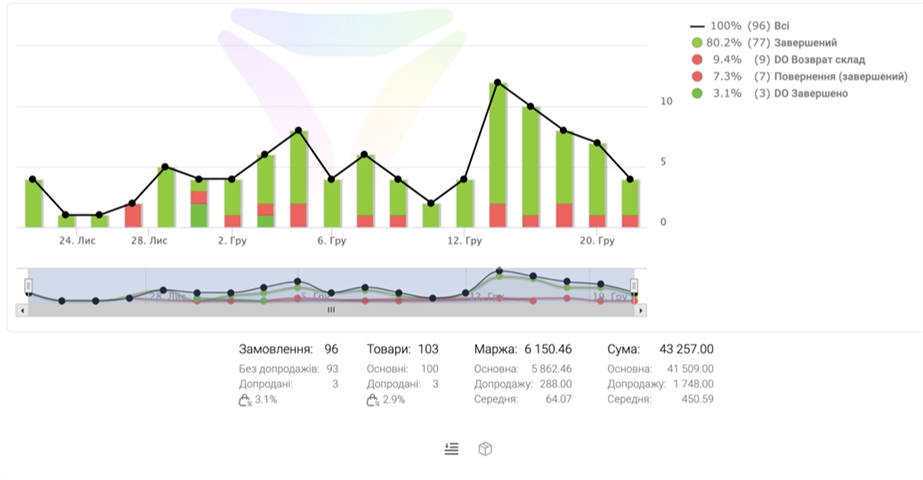
4 Main System Benefits
Advantages of Our Unique Platform
What Impressive Results to Expect
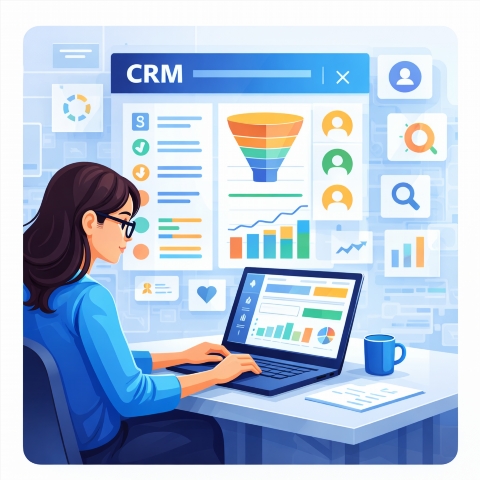
For Online Stores and Product Businesses
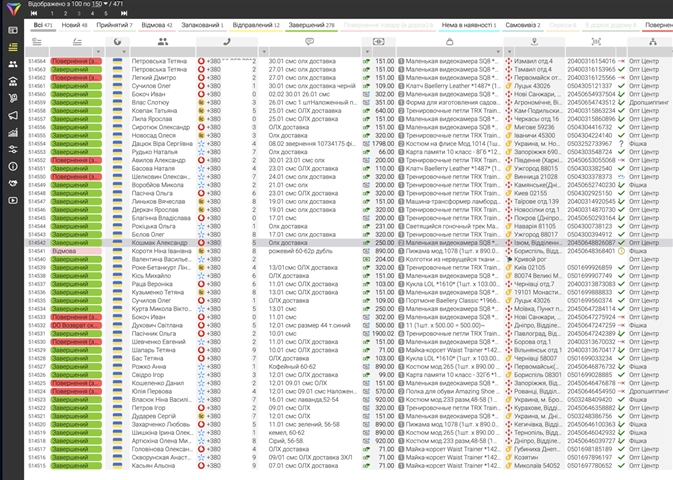
Activate the Most Modern CRM
Activate the Most Modern CRM →Quick Business Launch - Video Tutorial
Business Success Stories
Questions About the CRM System
What is LP-CRM?
LP-CRM is a system for managing customer interactions, optimizing sales, and marketing for Ukrainian businesses.
How to add a new client?
Log in to the system, find the Add Client button, and fill in the required fields.
How to track deals?
Go to the Deals section, where you will see all your current and completed operations.
Where can I find contacts?
All client contacts are available in the Contacts section, with the ability to search and filter.
Can it be integrated with other services?
Yes, LP-CRM supports integration with popular services to expand its functionality.
How to create a sales report?
Go to the Reports section and select the desired report type, for example, sales.
How to manage tasks?
The Tasks section allows you to create, assign, and monitor task completion for employees.
Is there a mobile version?
Currently, the mobile version of LP-CRM is under development, but the system is fully adapted for use on mobile devices through a browser.