Without Any Technical Knowledge
How to Implement CRM: A Step-by-Step Guide Express Launch of Your Sales
Effective tool for your business growth
Start Productive Work Immediately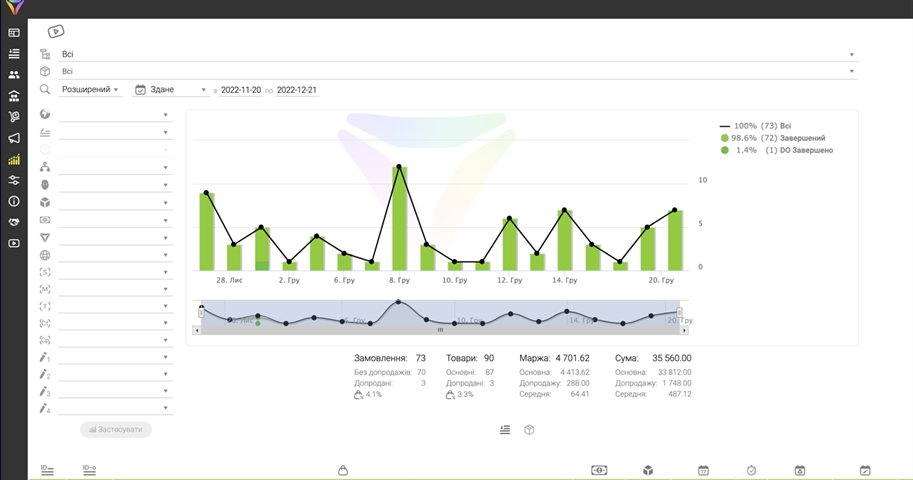
10K+
Without Any Technical Knowledge
99%
Express Launch of Your Sales
24/7
Absolutely Free
5★
Authentic Customer Reviews
Our Key Strengths
4 Key Undeniable Advantages
Our Key Strengths
Sales are growing
The system will help more effectively manage customer relationships and increase sales volumes.
Ease of use
The intuitive interface ensures comfortable use for all employees.
Team efficiency
Improves inter-departmental communication and task completion tracking.
Data control
Centralized storage of customer and deal information provides a complete business picture.
What CRM Really Gives Your Business
What CRM Really Gives Your Business
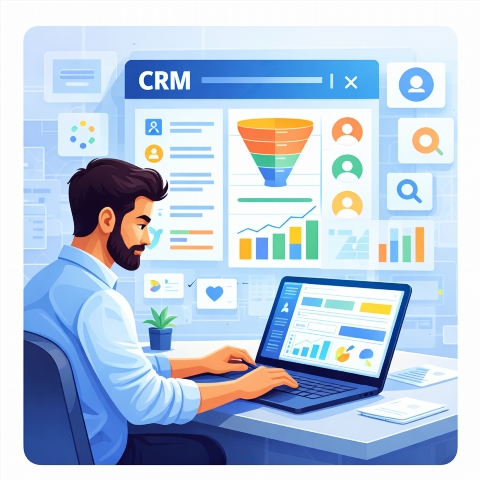
Change log and system activity logging
Commercial proposal generation
Modular structure with the ability to connect additional functions
Call recording and correspondence log
Integration with Checkbox for electronic cash register (EP-CRM)
Who This CRM System is Ideal For
Who This CRM System is Ideal For
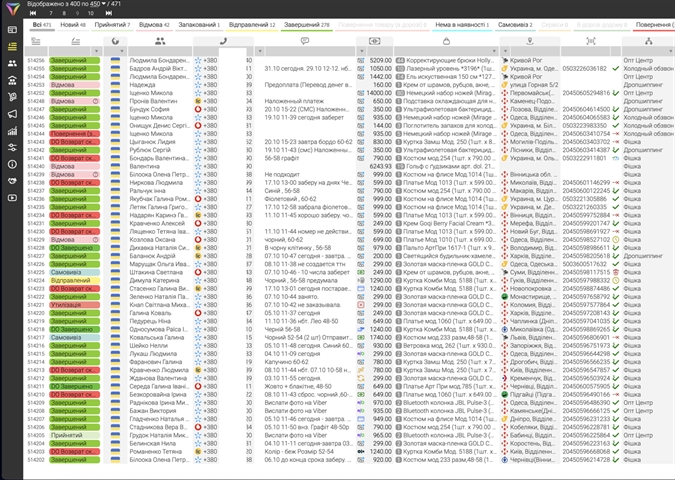
For business owners
Enhance team coordination, track task progress, and increase sales efficiency. Automate routine tasks and focus on strategy.
For department heads
Enhance team coordination, track task progress, and increase sales efficiency. Automate routine tasks and focus on strategy.
For sales managers
Keep track of all inquiries, schedule calls and deals, and increase conversion rates. Get a complete picture of each customer.
For marketers
Segment your audience, personalize communications, and measure campaign effectiveness. Achieve better results with less effort.
For service teams
Respond quickly to customer inquiries, provide quality support, and increase loyalty. Build strong relationships based on trust.
Try for Free and See for Yourself
Try for Free and See for Yourself →How the System Works - Detailed Video
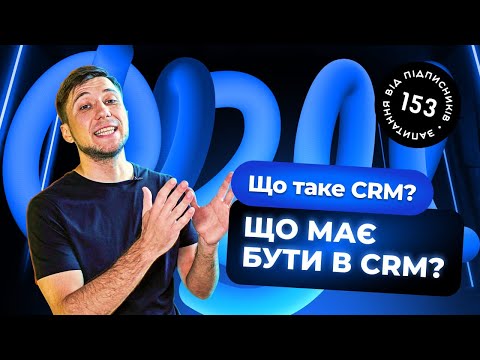
How the System Works - Detailed Video
Authentic Customer Reviews
Authentic Customer Reviews
FAQ
Help and Support Section
How to choose an LP-CRM?
Assess business needs, LP-CRM features, and pricing policy.
What are the stages of LP-CRM integration?
Goal setting, configuration, staff training, launch.
How long will LP-CRM preparation take?
Depends on complexity, usually from a week to a month.
Are special skills required for LP-CRM?
The intuitive interface of LP-CRM does not require deep technical knowledge.
How to train the team to work with LP-CRM?
LP-CRM offers training materials and support.
What are the first steps after choosing an LP-CRM?
Develop a strategy, prepare data, and configure the system.
How to evaluate LP-CRM effectiveness?
Track key metrics (sales, customer satisfaction).
Is LP-CRM suitable for small businesses?
Yes, LP-CRM is flexible and scalable for companies of various sizes.